Skip to content

FACIAL RECOGNITION ATTENDANCE TRACKING

Your team records attendance with facial recognition. See attendance clearly.

Ward Workforce is your company’s attendance platform. Record clock-ins and clock-outs with facial recognition in the mobile app or a compatible reader, and review workdays, hours and issues in one place.

Request a demo

THE PLATFORM

From attendance records to workdays, without adding hours by hand.

From the first clock-in to the period report: bring attendance from your worksites and field teams together, without piecing it together across spreadsheets.

CAPTURE
The app or reader recordsOn a phone, using an employee number and facial recognition, or with a compatible reader.
ORGANIZE
Ward WorkforceWard Workforce groups attendance records, compares them with the schedule and calculates confirmed hours.
REVIEW
HR finds answersHR sees today's status, shifts and attendance issues on the web or app.
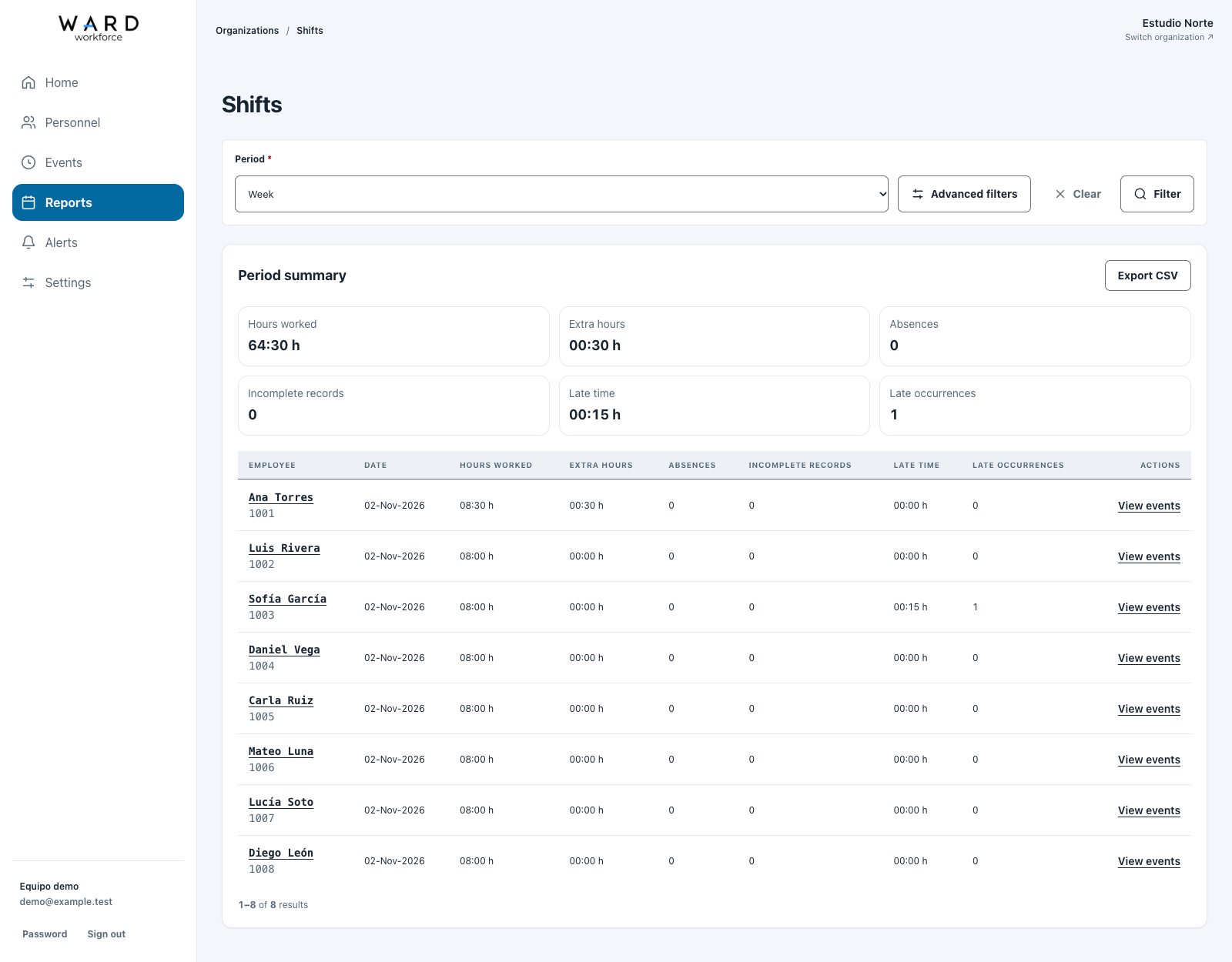
Sample shifts with confirmed hours and multiple work periods.

BENEFITS FOR YOUR BUSINESS

Less time piecing things together.
More clarity for decisions.

01

See who's present

See your team's status by site and spot cases that need review.
02

Take the time clock with you

Record attendance in the app, without installing a reader everywhere your team works.

03

Resolve questions with context

Open a workday to review clock-ins, clock-outs, the schedule and available photos. Adjustments retain their history.

04

Bring period information together

Review hours, lateness and absences by employee and download a CSV report to use in Excel.

MOBILE TIME CLOCK WITH FACIAL RECOGNITION

Attendance tracking that goes where your team works.

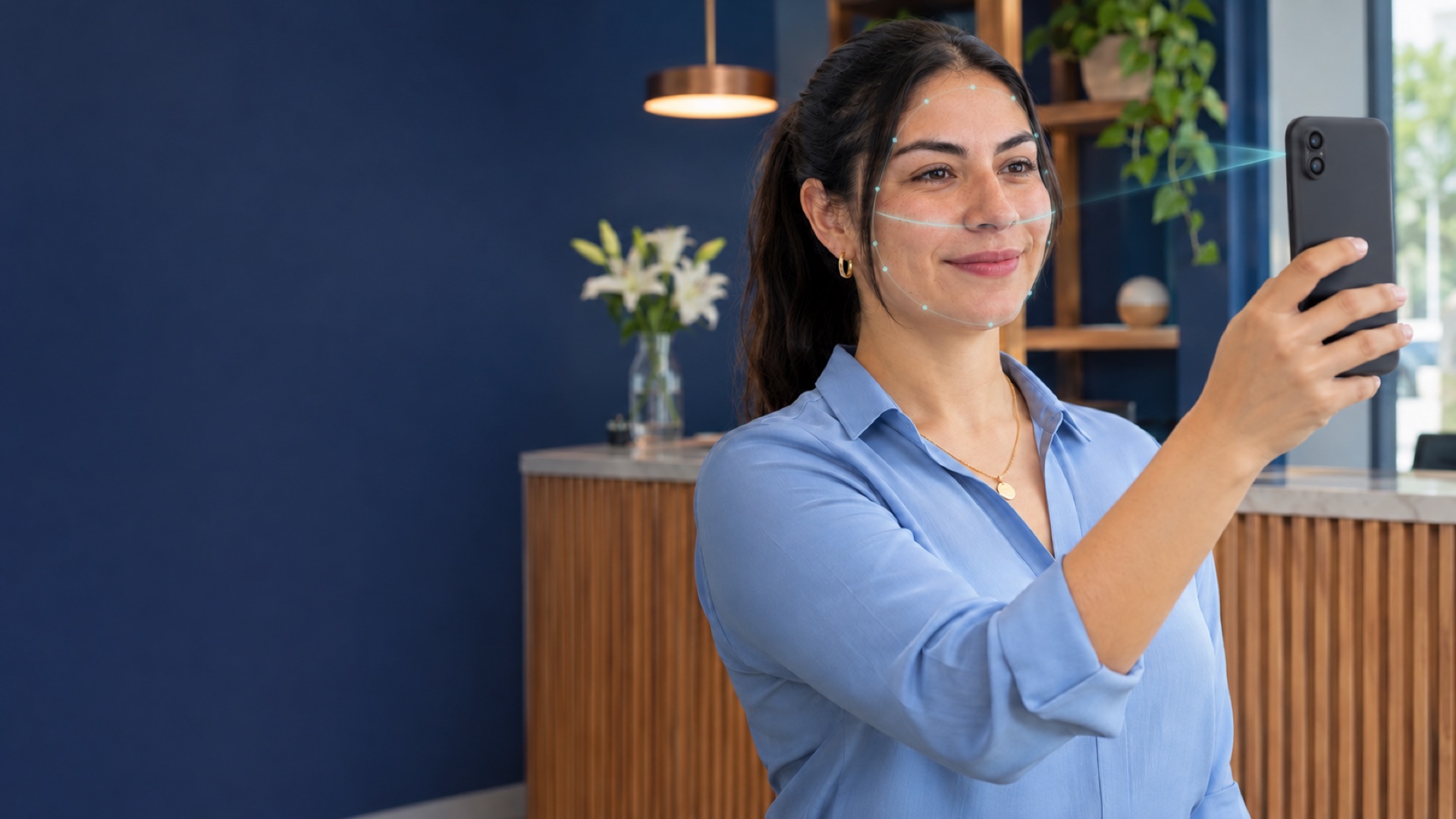
With the Android and iOS app, employees can record their attendance using their employee number and facial verification.

Location and a photo with every record
See where each attendance record was made and access the photo with the appropriate permissions.
For teams working in the field
Identify the site of an attendance record when its location matches a configured place.
A shared time clock
With kiosk mode for Android, keep a device on the time clock for the selected worksite. The account holder’s password is required to exit kiosk mode.

The mobile time clock requires an internet connection, a camera and location permission. The company must enable it.
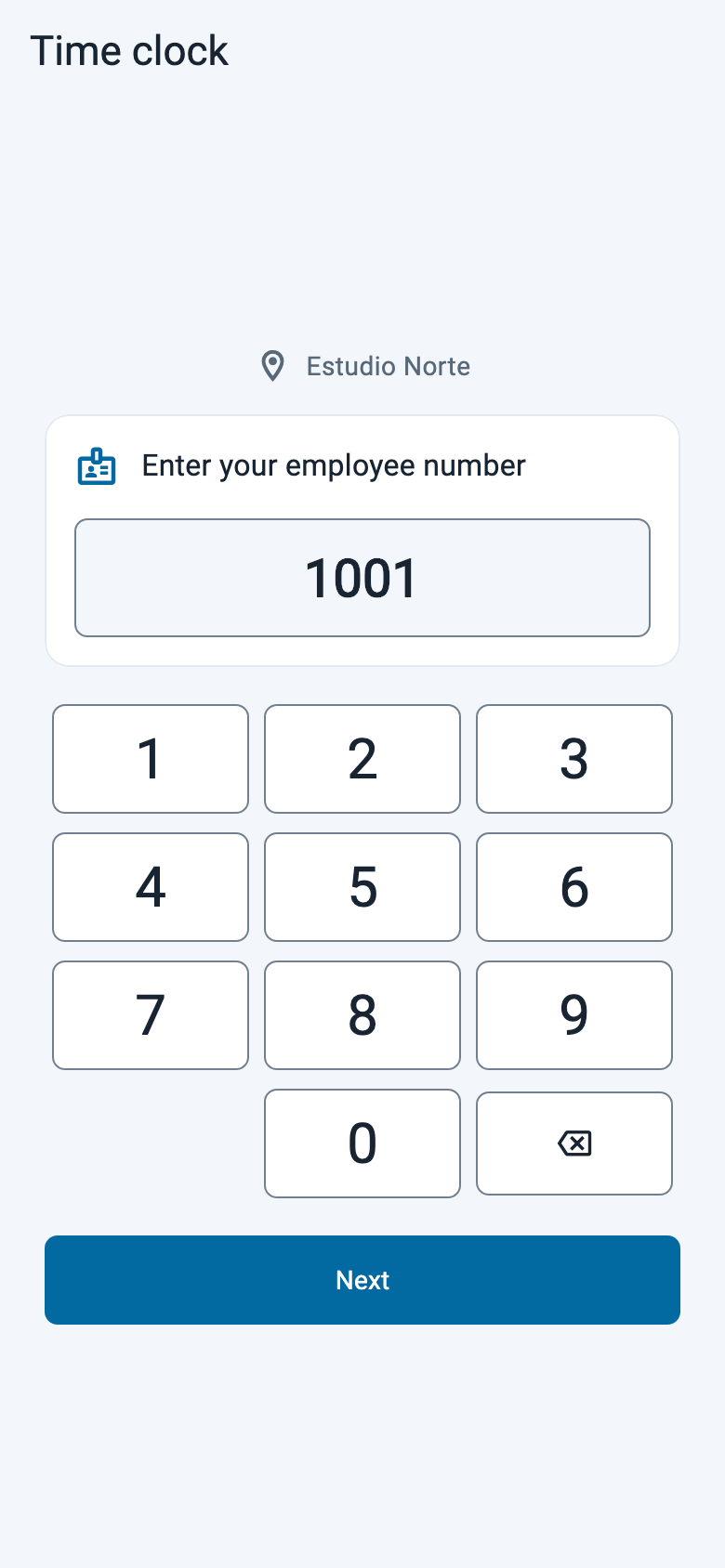
  1. Mobile time clock with a demo employee number.
    01 Employee number
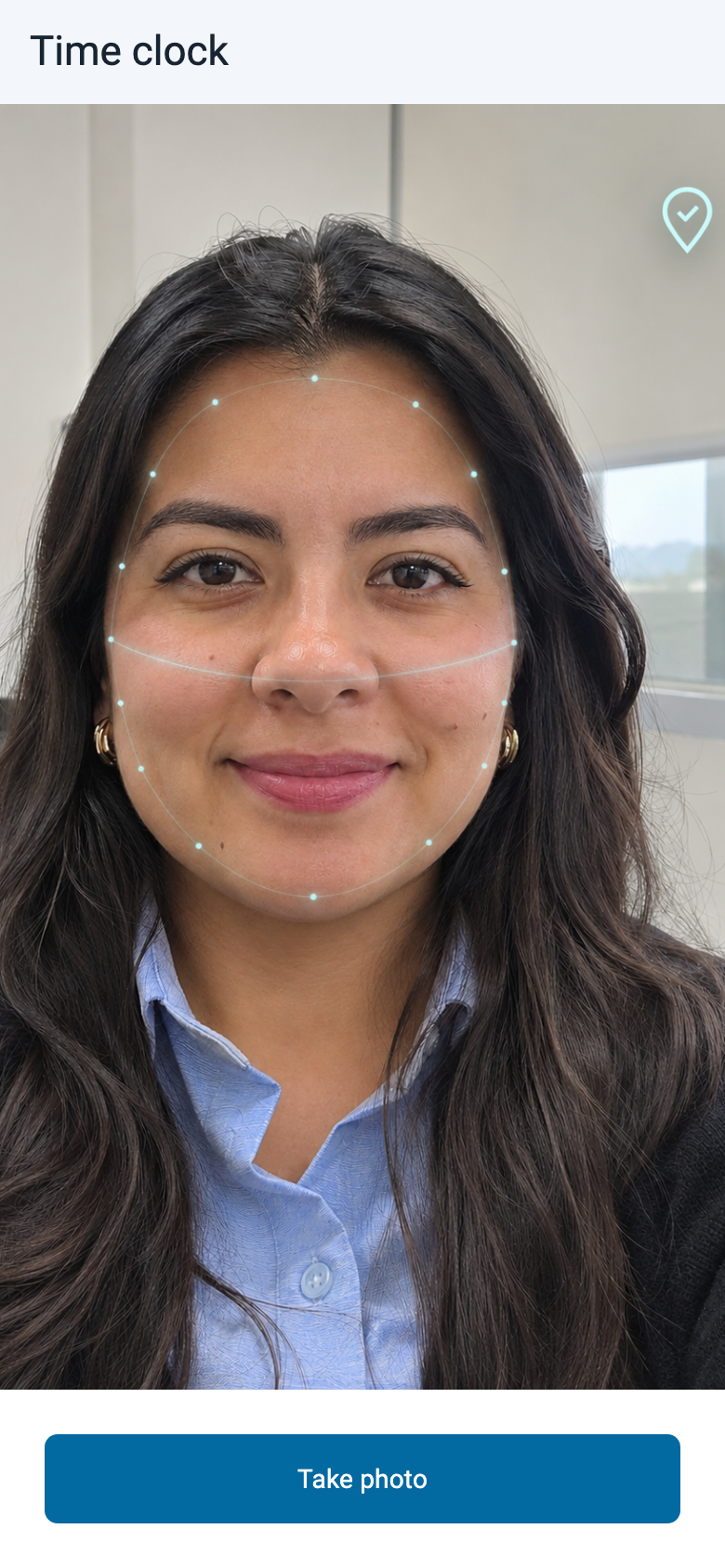
  2. Time clock camera with a demo face and illustrative recognition and location indicators.
    02 Face capture
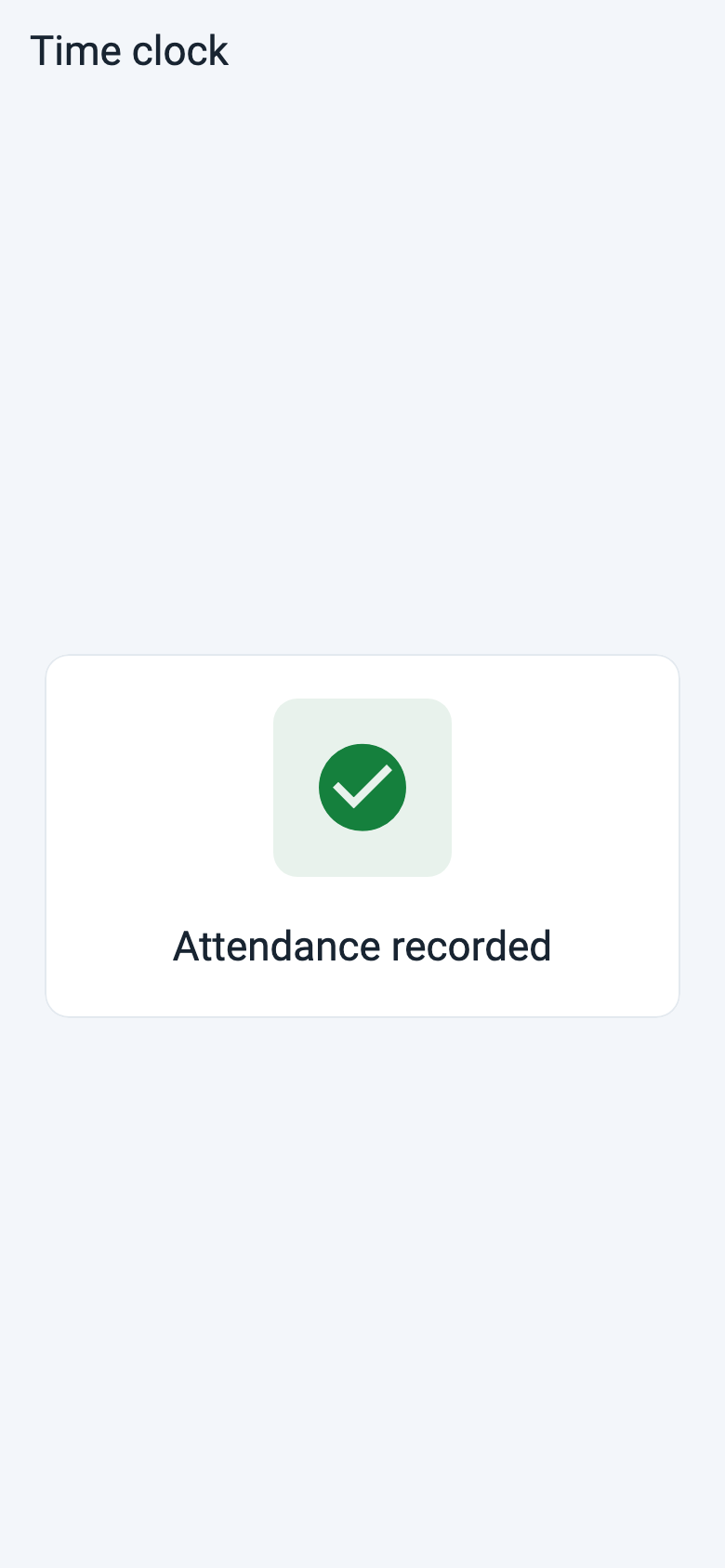
  3. Confirmation of a demonstration attendance record.
    03 Record saved

MAIN FEATURES

Tools to organize attendance.

Organize employee records, review workdays and follow up on attendance issues.

01

Organized employee records

Less data entry, more order.

  • Add employees or import them from a CSV file.
  • Worksites, schedules, leave and holidays to put attendance in context.
  • Private employee files to keep documents together.
02

Clear workdays

Understand what happened.

  • Clock-ins, clock-outs and confirmed hours without manual addition.
  • Lateness, absences and overtime to focus your review.
  • Adjustments with history to resolve differences while keeping original records.
03

Reports and follow-up

Information ready to review.

  • Employee reports and CSV downloads to analyze the period in Excel.
  • Personal email alerts to keep track of reports and accumulated hours.
  • Printable statements to document attendance adjustments.
04

Access that fits

Share information with the right people.

  • Web and app access to review and manage according to each person’s role.
  • Unlimited users and an Employee role to record attendance without admin access.
  • Multiple companies in one account, with separate information.

A COMPLETE JOURNEY

From enrollment to attendance review.

Ana's day, from enrollment to reviewing her shift.

  1. Illustration: HR takes Ana's photo with a phone during enrollment.01 · ENROLLMENT

    Enroll an employee

    HR enrolls Ana and captures her photo with a phone.

  2. Illustration: HR links Ana to two worksites.02 · LINKING

    Assign her to worksites

    HR assigns Ana to her worksites and sets her schedule to compare expected and worked hours.

  3. Illustration: Ana identifies herself at the reader when arriving and leaving.03 · CLOCK-IN AND CLOCK-OUT

    Record attendance

    Ana identifies herself at the reader when starting and finishing her workday. She can also record her attendance in the mobile app.

  4. Illustration: an HR manager reviews attendance remotely.04 · REVIEW

    Review from anywhere

    If something is unclear, HR opens the workday, reviews the records and makes adjustments with a history.

THE PRODUCT IN ACTION

A clearer view of your team’s attendance.

See the day at a glance, identify cases that need attention and explore each workday in detail on the web or in the app.

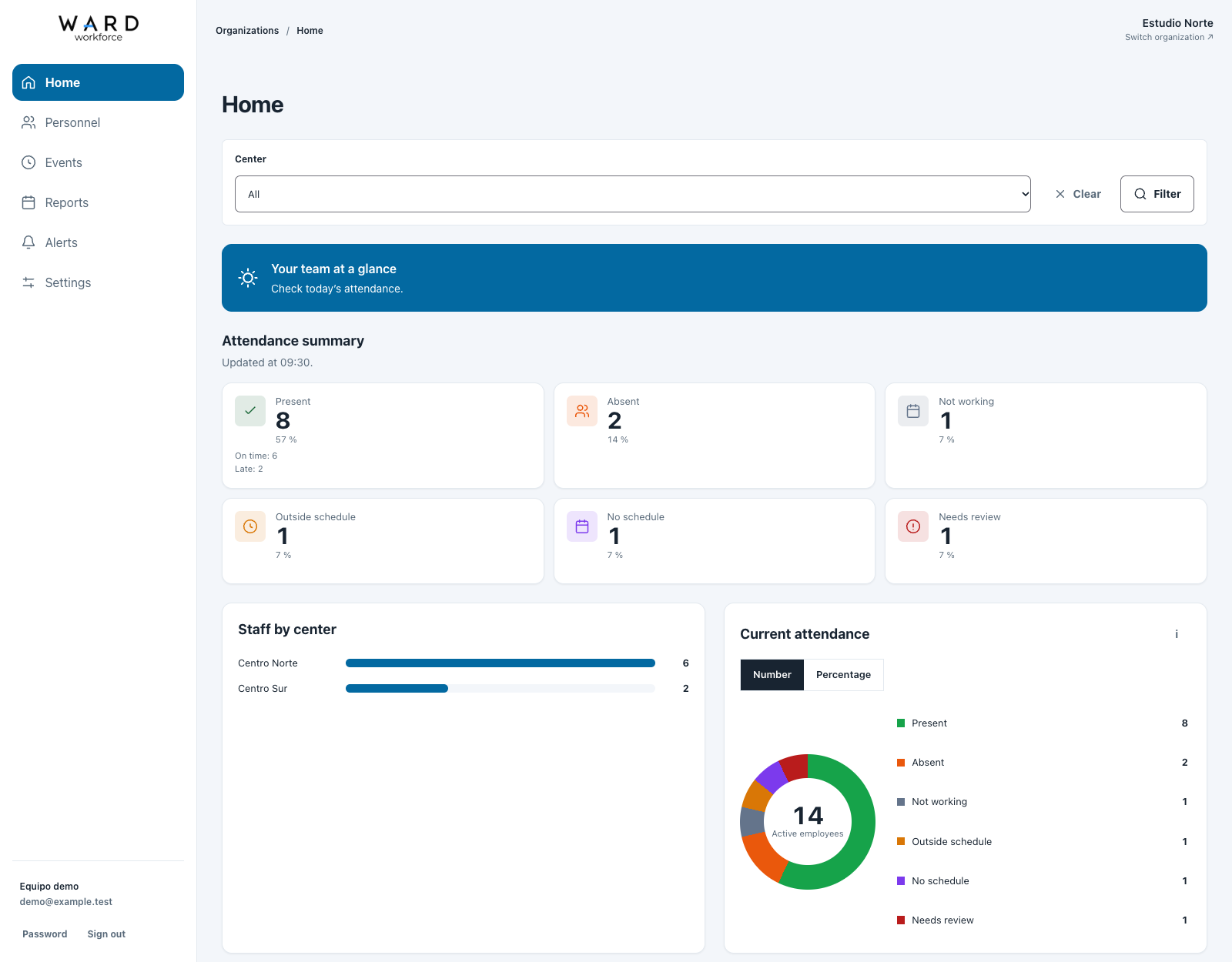
See how the day is going
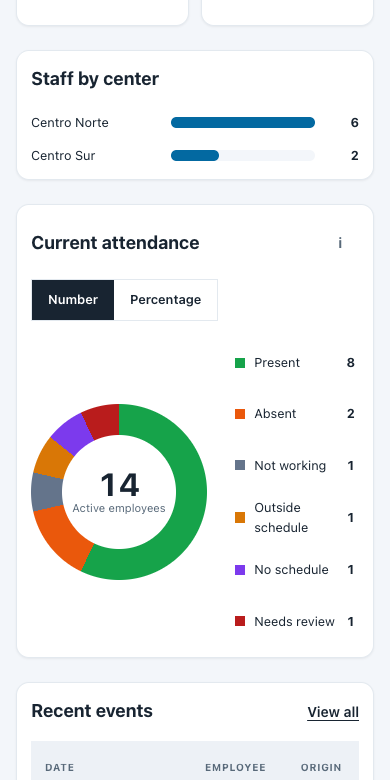
See how many people are present, absent or need review in an easy-to-read attendance summary.
View by worksite
Filter by worksite and see how many people are present at each one.
Go from summary to detail
Review recent records and open a workday to see clock-ins, clock-outs, schedules and available photos.

Available information and actions depend on each user’s permissions.
Ward Workforce
Home screen with attendance charts and sample events.
Home screen in a mobile browser with sample attendance charts.

DEVICES AND INTEGRATION

Already using Hikvision MinMoe readers?

Combine compatible readers and mobile clock-in in one platform. Keep a fixed time clock where you need it and use the app at other locations.

AT YOUR BUSINESSMinMoe devices
A fixed point for facial clock-in and clock-out.
IN THE CLOUDWard Workforce
Shifts and events you can review from the web or app.

Check your model’s compatibility and connection requirements before installation.
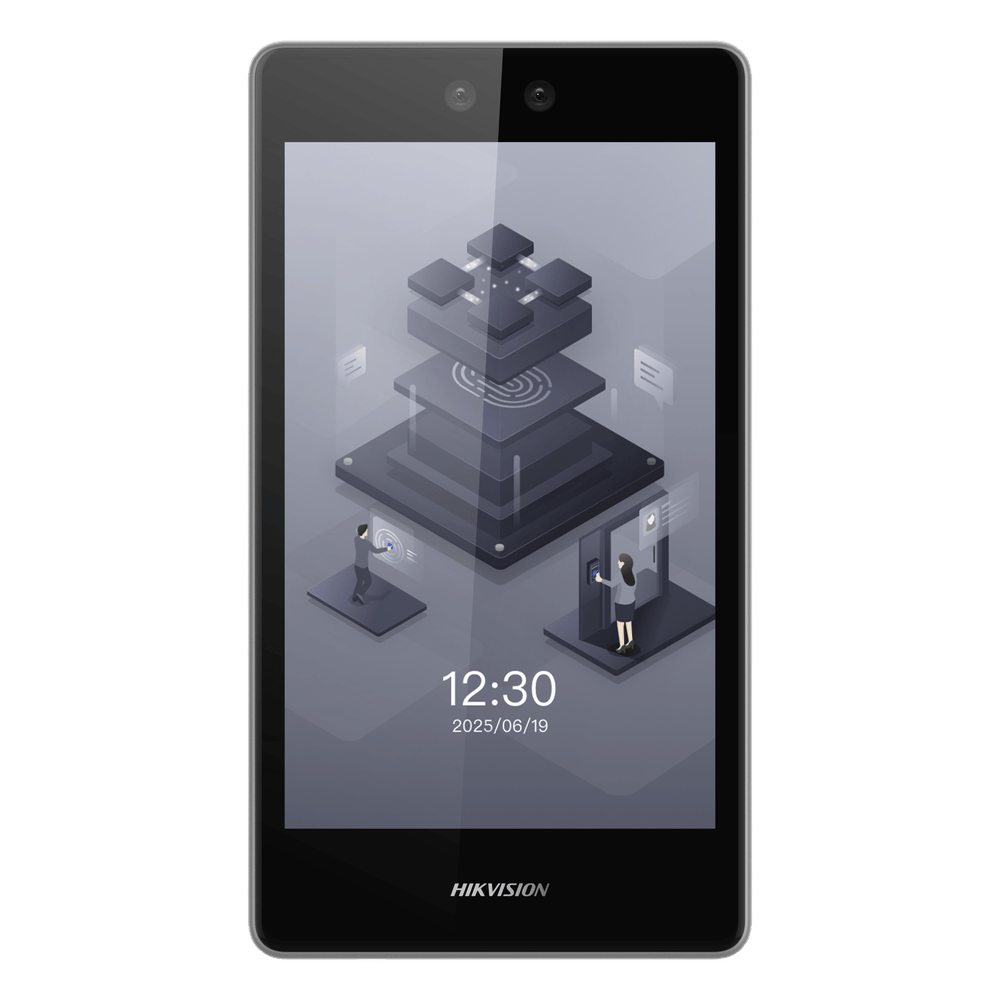
Hikvision MinMoe facial recognition reader.

FOR INTEGRATORS AND TECHNOLOGY PROVIDERS

Your expertise. A new opportunity.

Offer attendance with mobile facial recognition and compatible readers. Help customers get set up and earn commissions on eligible subscriptions.

Become an integration partner

Your equipment, installation and consulting remain your business.
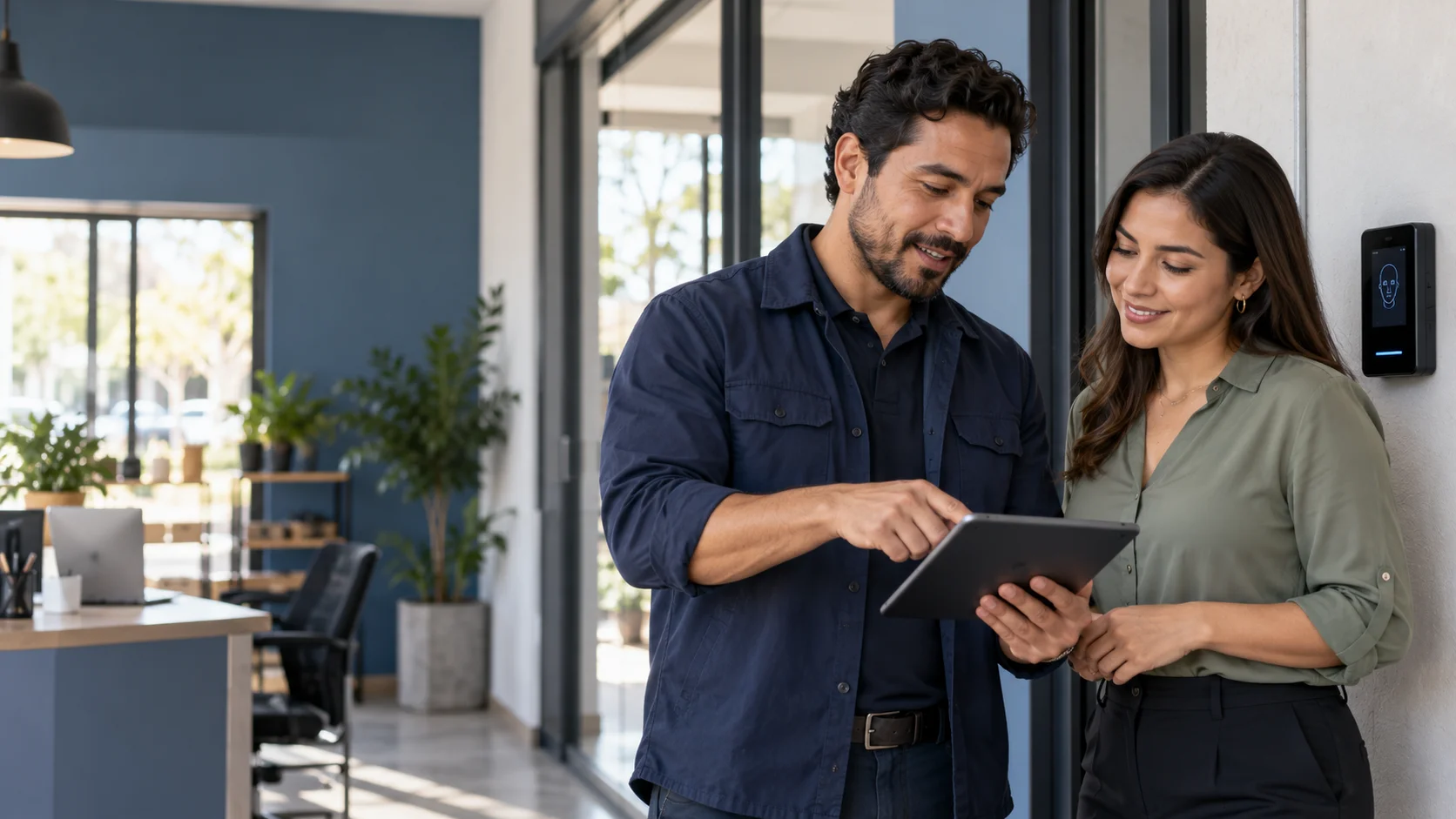
An integrator talks with a business manager.

MEET WARD WORKFORCE

See how it would work
for your business.

Explore mobile facial clock-in, review a team with sample data and see how to simplify your operations.

Sales contact[email protected]477-839-6080
Ward WorkforceWard Workforce