

Attendance
How does mobile attendance tracking work?
Discover how to clock in and out with facial recognition from a phone and review your team’s attendance in one place.
With the Ward Workforce mobile time clock, your team can clock in and out from their phones using facial recognition. It is a practical way to track attendance at the office, during a client visit, or at other workplaces.
1. Prepare your team to get started
Enable mobile attendance for your company and add each person with their work location and photo. Ward Workforce assigns an employee number when their record is saved and prepares the photo for facial recognition. The device needs an internet connection and access to the camera and location.
2. Clock in and out from your phone
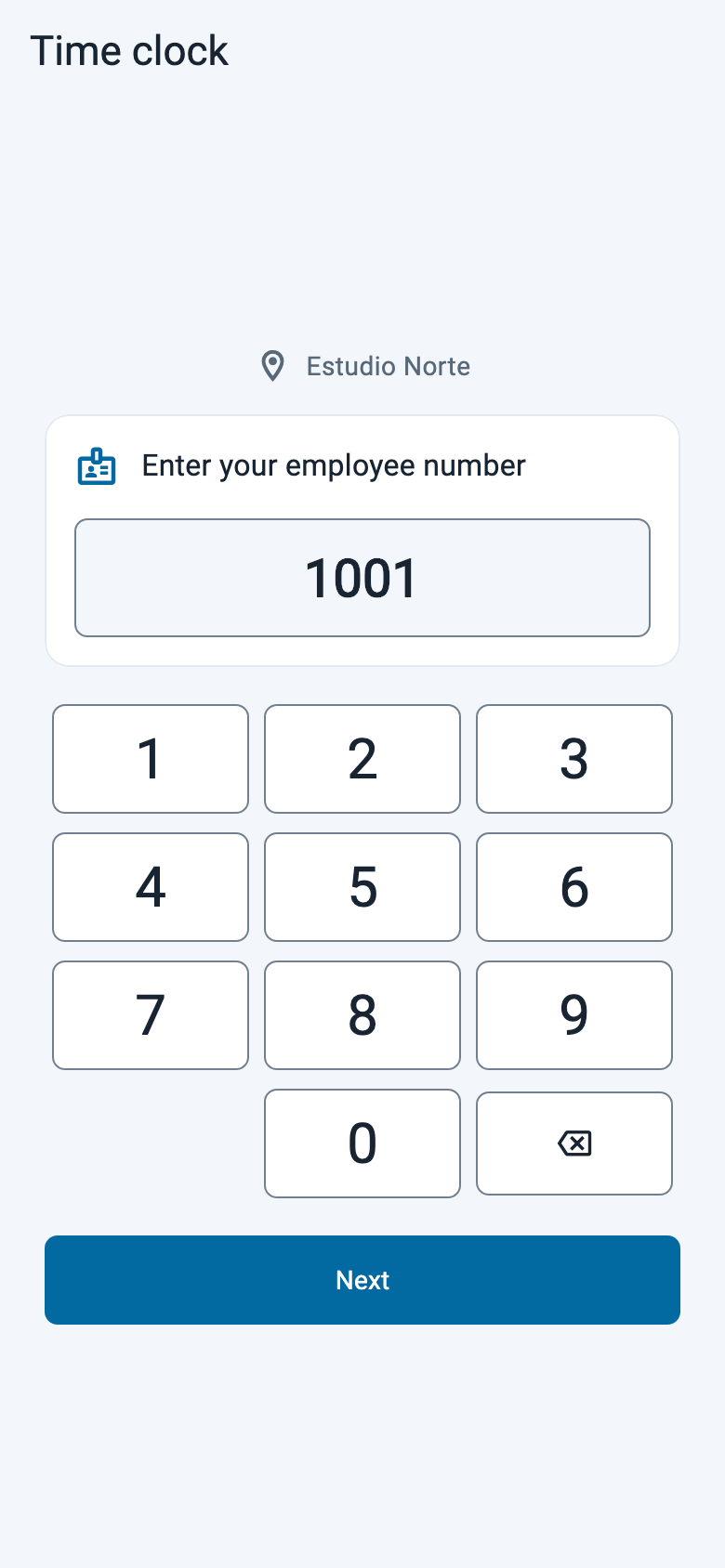
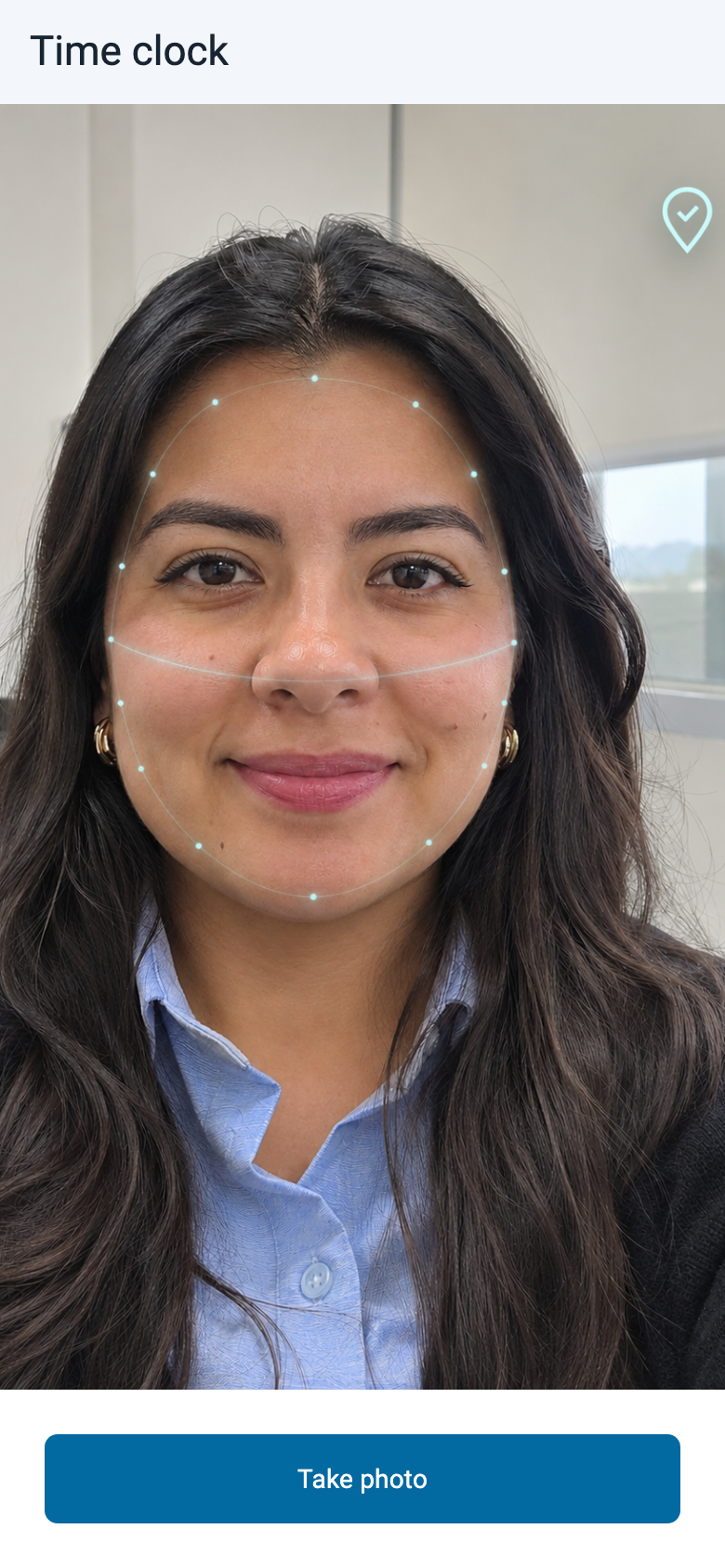
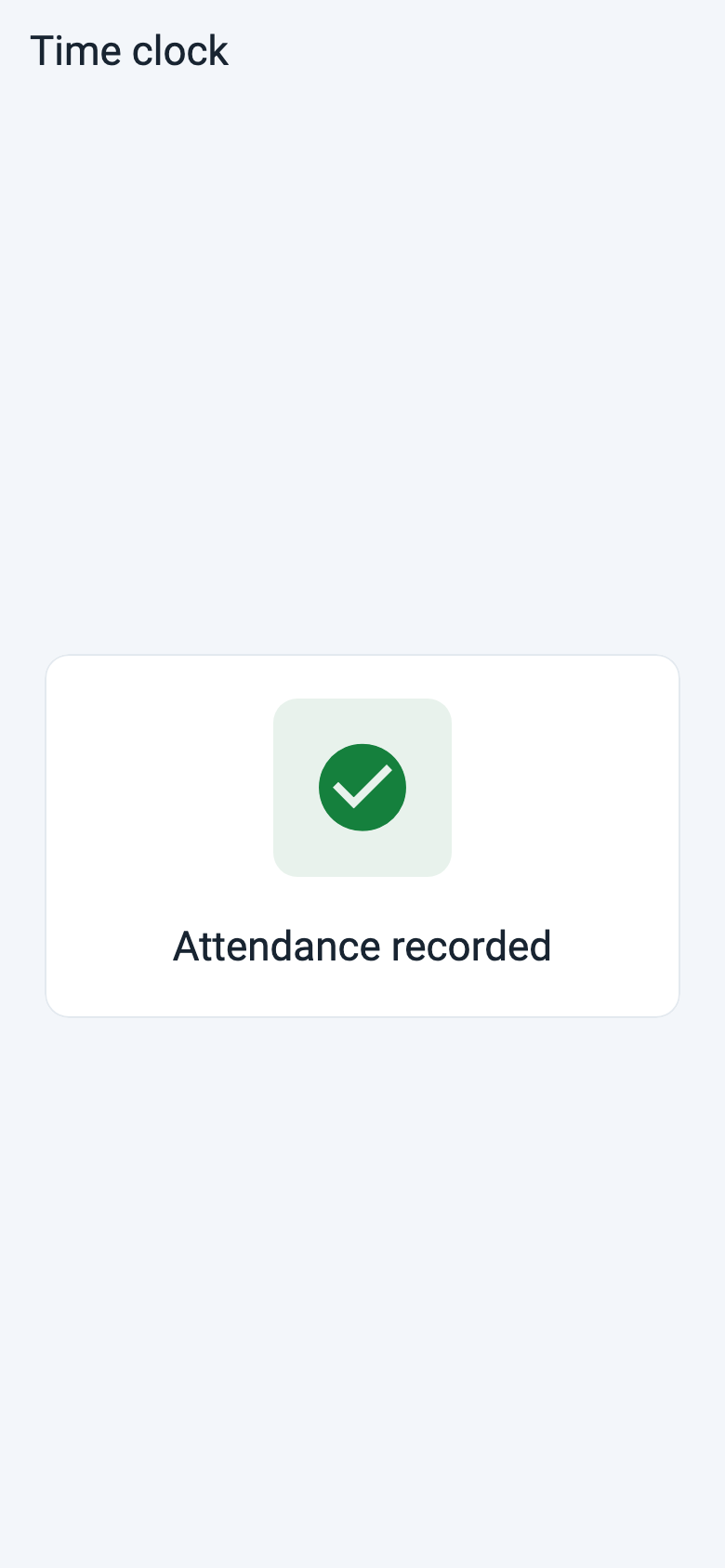
Once the photo is ready for facial recognition, open Time Clock in the app, select the work location, and enter your employee number. Follow the camera instructions and wait for confirmation. Repeat the process at the end of the workday.
-
01 Employee number
-
02 Face capture
-
03 Record saved
3. Review attendance in one place
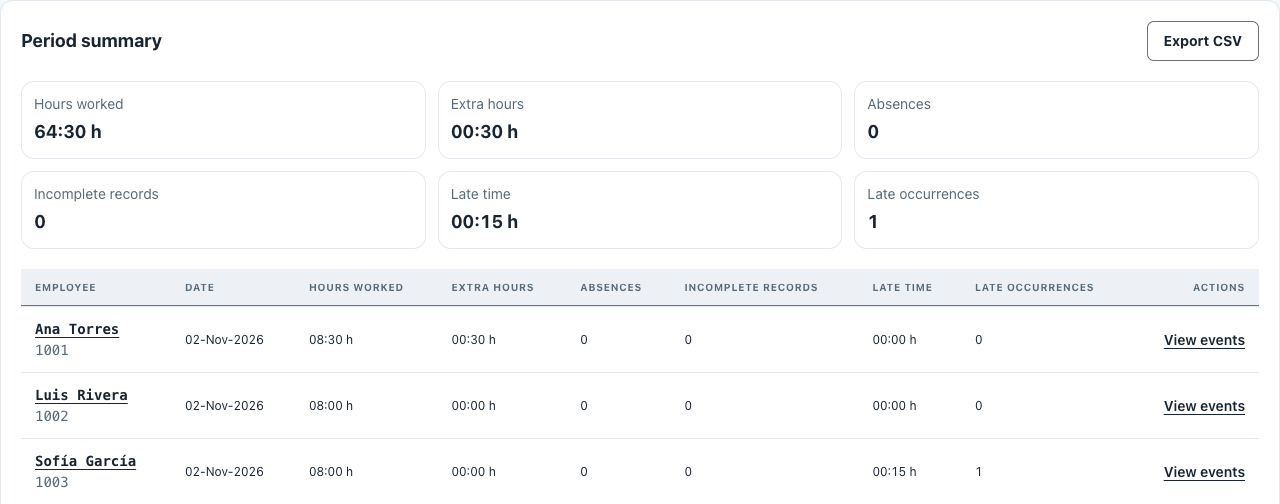
Confirmed clock-ins and clock-outs are brought together with your company’s attendance. Review workdays and hours worked from the web or app; with the appropriate permissions, you can also review a mobile record’s location and photo, make corrections, and see its history.
From the office to client visits
Imagine an office that uses a shared tablet or compatible Hikvision reader at reception. When Ana visits a client, she clocks in and out from her phone. The person managing attendance can review both types of records in the same reports.
If the team regularly visits that client, it can add the client’s office as a remote site. When the location of the clock-in or clock-out matches the configured area, Ward Workforce identifies the site in the record. Attendance can also be recorded during an occasional visit even if the location is not in the catalog.
Frequently asked questions
Can I use a reader in the office and a phone off-site?
Yes. You can combine a compatible Hikvision reader at the office with the mobile time clock. Clock-ins and clock-outs are brought together so you can review attendance in the same reports.
Do I have to set up a remote site for every visit?
No. You can record attendance from your phone even if the location is not in the catalog. Set up remote sites to identify recurring locations or review whether check-ins and clock-outs match assigned sites.
Does mobile attendance work without internet access?
No. The app needs an internet connection to verify the face and confirm the check-in or clock-out.