A time clock that goes with your team
Use a shared tablet at the office or each person’s phone when they work elsewhere. Their records are brought together with your company’s attendance.


Attendance tracking · Android and iOS
Record your team’s attendance with facial recognition from a phone or tablet. Bring clock-ins, clock-outs, locations, and workdays together so the information you need is close at hand.
At the office, a construction site, or a client’s location, your team can record attendance where they work, and you can follow up from the app or your browser.
Benefits
Use a shared tablet at the office or each person’s phone when they work elsewhere. Their records are brought together with your company’s attendance.
Review the time, location, and photo of each mobile record to understand what happened more clearly.
Review workdays, spot attendance issues, and download CSV reports to share or work with in a spreadsheet.
Features
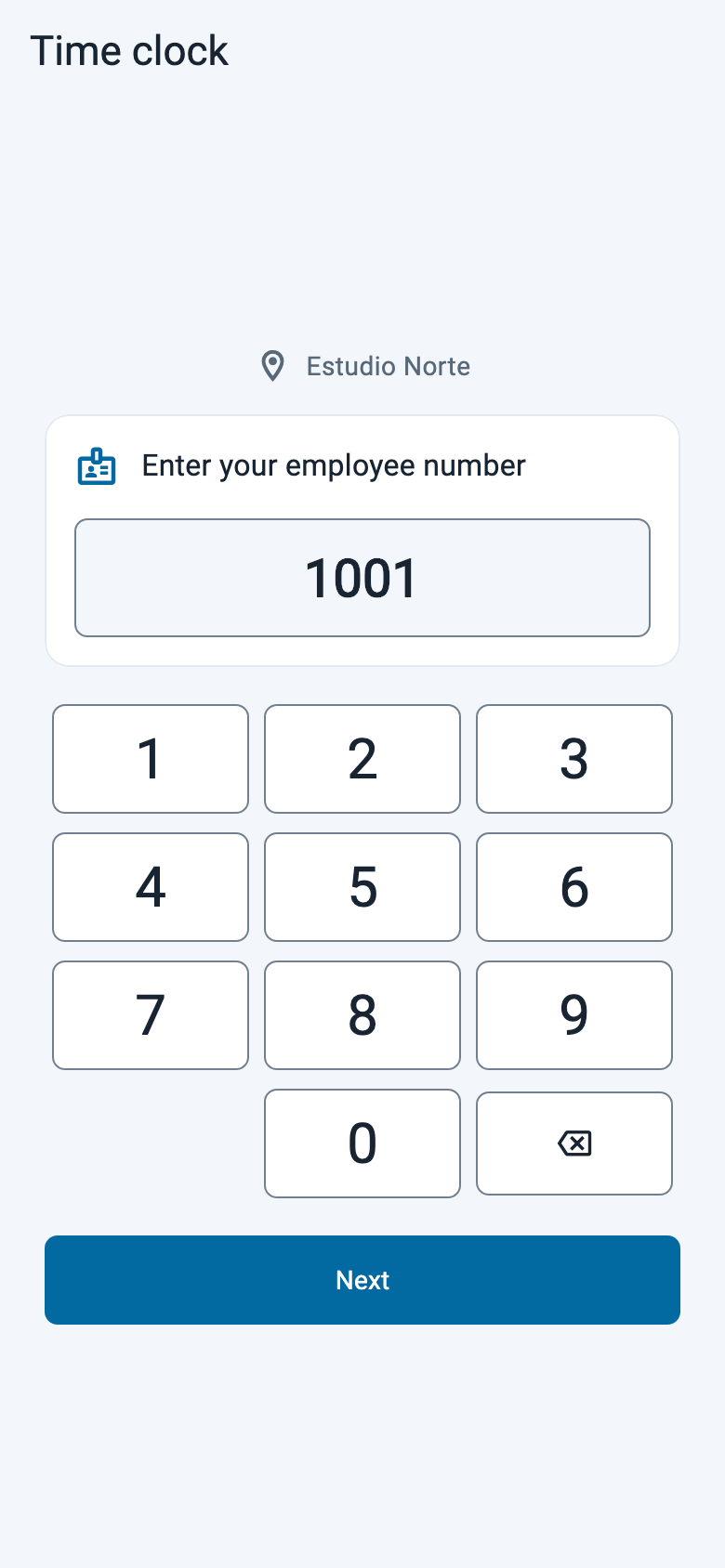
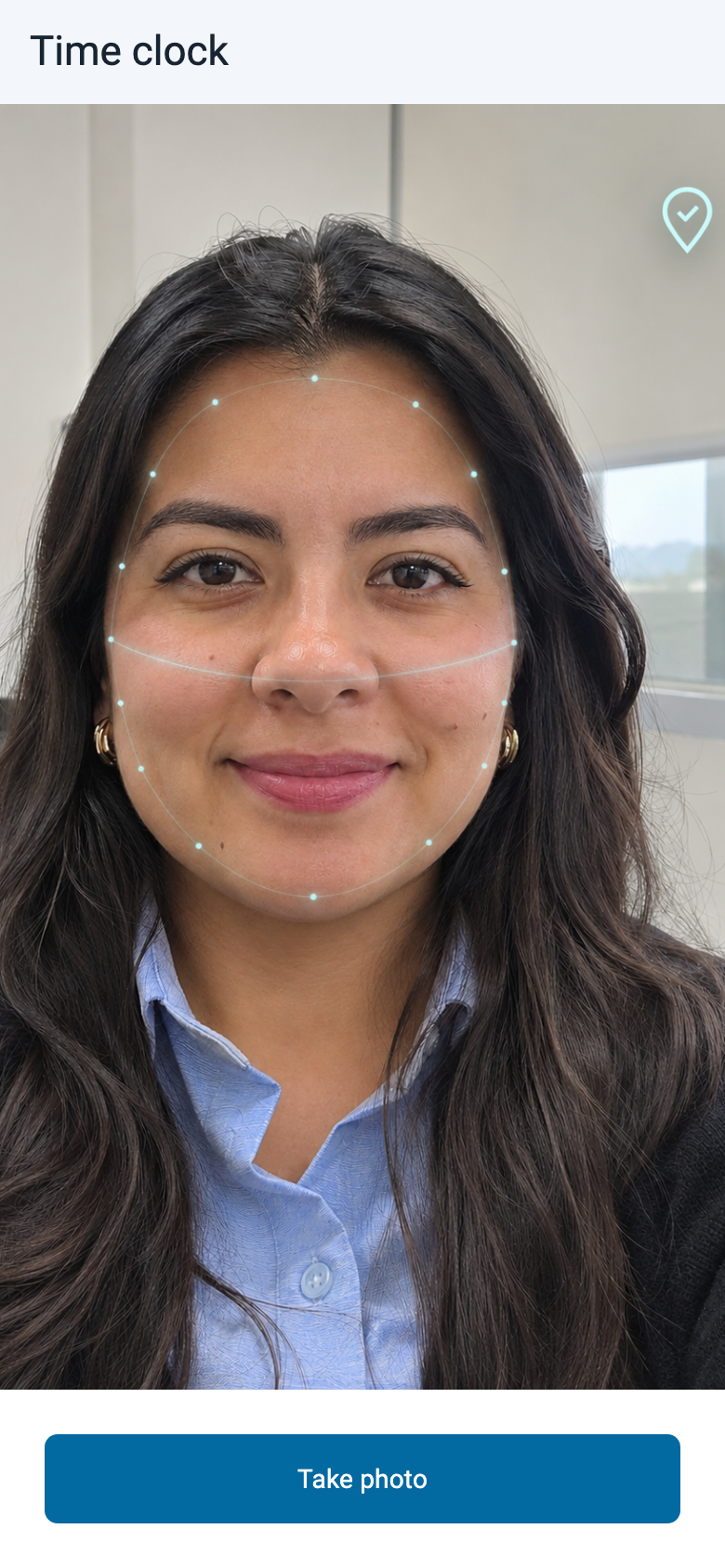
Each person enters their employee number and verifies their face against the registered photo. Their clock-ins and clock-outs are then added to their attendance.
When guided capture is enabled, the app asks the person to turn their face as an additional check during attendance recording.
Each mobile check-in or clock-out keeps the device location at the time of recording, adding context when you review it.
Define construction sites, client premises, or other workplaces. Assign sites to each employee and see whether their check-in or clock-out occurred at one of them.
Enable kiosk mode on a shared device so your team can record attendance with their employee number and face, without needing individual accounts.
With an account linked to their employee record, each person can review their attendance, schedule, and vacation, and request vacation from the app.
Each confirmed mobile check-in or clock-out keeps a private photo for authorized users to review when needed.
Review workdays and attendance issues, manage your team, and follow up on vacation from the app or web portal, depending on your permissions.
Combine a compatible office reader with the mobile time clock to bring your team’s clock-ins and clock-outs together in the same reports.
See the reader setup guideAttendance reports
Get an overview of the period or review each workday in detail. Explore Matrix and Daily detail from the app or browser and download the information as CSV.
Sample data · Estudio Norte
–
| Employee | Mon 09/Nov | Tue 10/Nov | Wed 11/Nov | Thu 12/Nov | Fri 13/Nov | Sat 14/Nov | Sun 15/Nov | Total | Extra hours | Absences | Days with late arrivals | Late time |
|---|---|---|---|---|---|---|---|---|---|---|---|---|
| Ana Torres1001 | 07:45 h Late arrival | 08:00 h Complete | 08:00 h Complete | 08:00 h Complete | 08:00 h Complete | — Weekly rest | — Weekly rest | 39:45 h | 00:00 h | 0 | 1 | 00:15 h |
| Carla Ruiz1002 | 08:00 h Complete | 08:00 h Complete | 08:00 h Complete | 08:00 h Complete | 08:00 h Complete | — Weekly rest | — Weekly rest | 40:00 h | 00:00 h | 0 | 0 | 00:00 h |
| Daniel Vega1003 | 08:00 h Complete | 08:00 h Complete | 00:00 h No show | 08:00 h Complete | 08:00 h Complete | — Weekly rest | — Weekly rest | 32:00 h | 00:00 h | 1 | 0 | 00:00 h |
| Diego León1004 | 08:00 h Complete | 08:00 h Complete | 08:00 h Complete | 08:00 h Complete | 08:00 h Complete | — Weekly rest | — Weekly rest | 40:00 h | 00:00 h | 0 | 0 | 00:00 h |
| Lucía Soto1005 | 08:00 h Complete | 08:00 h Complete | 08:00 h Complete | 08:30 h Complete | 08:00 h Complete | — Weekly rest | — Weekly rest | 40:30 h | 00:30 h | 0 | 0 | 00:00 h |
| Luis Rivera1006 | 08:00 h Complete | 08:00 h Complete | 08:00 h Complete | 08:00 h Complete | 08:00 h Complete | — Weekly rest | — Weekly rest | 40:00 h | 00:00 h | 0 | 0 | 00:00 h |
| Mateo Luna1007 | 08:00 h Complete | 04:00 h Missing exit | 08:00 h Complete | 08:00 h Complete | 08:00 h Complete | — Weekly rest | — Weekly rest | 36:00 h | 00:00 h | 0 | 0 | 00:00 h |
| Sofía García1008 | 08:00 h Complete | 08:00 h Complete | 08:00 h Complete | 08:00 h Complete | 08:00 h Complete | — Weekly rest | — Weekly rest | 40:00 h | 00:00 h | 0 | 0 | 00:00 h |
1001
Total · 39:45 h
1002
Total · 40:00 h
1003
Total · 32:00 h
1004
Total · 40:00 h
1005
Total · 40:30 h
1006
Total · 40:00 h
1007
Total · 36:00 h
1008
Total · 40:00 h
Local time · Mexico City
| Date | Start | End | Total | Extra hours | Late time | Attendance |
|---|---|---|---|---|---|---|
| 1001 · Ana Torres | ||||||
| Start08:1513:00 | End12:0017:00 | Total07:45 h | Extra hours00:00 h | Late time00:15 h | AttendanceAttendedLate arrival | |
| Start08:0013:00 | End12:0017:00 | Total08:00 h | Extra hours00:00 h | Late time00:00 h | AttendanceAttended | |
| Start08:0013:00 | End12:0017:00 | Total08:00 h | Extra hours00:00 h | Late time00:00 h | AttendanceAttended | |
| Start08:0013:00 | End12:0017:00 | Total08:00 h | Extra hours00:00 h | Late time00:00 h | AttendanceAttended | |
| Start08:0013:00 | End12:0017:00 | Total08:00 h | Extra hours00:00 h | Late time00:00 h | AttendanceAttended | |
| Start— | End— | Total— | Extra hours— | Late time— | AttendanceWeekly rest | |
| Start— | End— | Total— | Extra hours— | Late time— | AttendanceWeekly rest | |
| 1002 · Carla Ruiz | ||||||
| Start08:0013:00 | End12:0017:00 | Total08:00 h | Extra hours00:00 h | Late time00:00 h | AttendanceAttended | |
| Start08:0013:00 | End12:0017:00 | Total08:00 h | Extra hours00:00 h | Late time00:00 h | AttendanceAttended | |
| Start08:0013:00 | End12:0017:00 | Total08:00 h | Extra hours00:00 h | Late time00:00 h | AttendanceAttended | |
| Start08:0013:00 | End12:0017:00 | Total08:00 h | Extra hours00:00 h | Late time00:00 h | AttendanceAttended | |
| Start08:0013:00 | End12:0017:00 | Total08:00 h | Extra hours00:00 h | Late time00:00 h | AttendanceAttended | |
| Start— | End— | Total— | Extra hours— | Late time— | AttendanceWeekly rest | |
| Start— | End— | Total— | Extra hours— | Late time— | AttendanceWeekly rest | |
| 1003 · Daniel Vega | ||||||
| Start08:0013:00 | End12:0017:00 | Total08:00 h | Extra hours00:00 h | Late time00:00 h | AttendanceAttended | |
| Start08:0013:00 | End12:0017:00 | Total08:00 h | Extra hours00:00 h | Late time00:00 h | AttendanceAttended | |
| Start— | End— | Total00:00 h | Extra hours— | Late time— | AttendanceNo show | |
| Start08:0013:00 | End12:0017:00 | Total08:00 h | Extra hours00:00 h | Late time00:00 h | AttendanceAttended | |
| Start08:0013:00 | End12:0017:00 | Total08:00 h | Extra hours00:00 h | Late time00:00 h | AttendanceAttended | |
| Start— | End— | Total— | Extra hours— | Late time— | AttendanceWeekly rest | |
| Start— | End— | Total— | Extra hours— | Late time— | AttendanceWeekly rest | |
| 1004 · Diego León | ||||||
| Start08:0013:00 | End12:0017:00 | Total08:00 h | Extra hours00:00 h | Late time00:00 h | AttendanceAttended | |
| Start08:0013:00 | End12:0017:00 | Total08:00 h | Extra hours00:00 h | Late time00:00 h | AttendanceAttended | |
| Start08:0013:00 | End12:0017:00 | Total08:00 h | Extra hours00:00 h | Late time00:00 h | AttendanceAttended | |
| Start08:0013:00 | End12:0017:00 | Total08:00 h | Extra hours00:00 h | Late time00:00 h | AttendanceAttended | |
| Start08:0013:00 | End12:0017:00 | Total08:00 h | Extra hours00:00 h | Late time00:00 h | AttendanceAttended | |
| Start— | End— | Total— | Extra hours— | Late time— | AttendanceWeekly rest | |
| Start— | End— | Total— | Extra hours— | Late time— | AttendanceWeekly rest | |
| 1005 · Lucía Soto | ||||||
| Start08:0013:00 | End12:0017:00 | Total08:00 h | Extra hours00:00 h | Late time00:00 h | AttendanceAttended | |
| Start08:0013:00 | End12:0017:00 | Total08:00 h | Extra hours00:00 h | Late time00:00 h | AttendanceAttended | |
| Start08:0013:00 | End12:0017:00 | Total08:00 h | Extra hours00:00 h | Late time00:00 h | AttendanceAttended | |
| Start08:0013:00 | End12:0017:30 | Total08:30 h | Extra hours00:30 h | Late time00:00 h | AttendanceAttended | |
| Start08:0013:00 | End12:0017:00 | Total08:00 h | Extra hours00:00 h | Late time00:00 h | AttendanceAttended | |
| Start— | End— | Total— | Extra hours— | Late time— | AttendanceWeekly rest | |
| Start— | End— | Total— | Extra hours— | Late time— | AttendanceWeekly rest | |
| 1006 · Luis Rivera | ||||||
| Start08:0013:00 | End12:0017:00 | Total08:00 h | Extra hours00:00 h | Late time00:00 h | AttendanceAttended | |
| Start08:0013:00 | End12:0017:00 | Total08:00 h | Extra hours00:00 h | Late time00:00 h | AttendanceAttended | |
| Start08:0013:00 | End12:0017:00 | Total08:00 h | Extra hours00:00 h | Late time00:00 h | AttendanceAttended | |
| Start08:0013:00 | End12:0017:00 | Total08:00 h | Extra hours00:00 h | Late time00:00 h | AttendanceAttended | |
| Start08:0013:00 | End12:0017:00 | Total08:00 h | Extra hours00:00 h | Late time00:00 h | AttendanceAttended | |
| Start— | End— | Total— | Extra hours— | Late time— | AttendanceWeekly rest | |
| Start— | End— | Total— | Extra hours— | Late time— | AttendanceWeekly rest | |
| 1007 · Mateo Luna | ||||||
| Start08:0013:00 | End12:0017:00 | Total08:00 h | Extra hours00:00 h | Late time00:00 h | AttendanceAttended | |
| Start08:0013:00 | End12:00Pending | Total04:00 h | Extra hours00:00 h | Late time00:00 h | AttendanceAttendedMissing exit | |
| Start08:0013:00 | End12:0017:00 | Total08:00 h | Extra hours00:00 h | Late time00:00 h | AttendanceAttended | |
| Start08:0013:00 | End12:0017:00 | Total08:00 h | Extra hours00:00 h | Late time00:00 h | AttendanceAttended | |
| Start08:0013:00 | End12:0017:00 | Total08:00 h | Extra hours00:00 h | Late time00:00 h | AttendanceAttended | |
| Start— | End— | Total— | Extra hours— | Late time— | AttendanceWeekly rest | |
| Start— | End— | Total— | Extra hours— | Late time— | AttendanceWeekly rest | |
| 1008 · Sofía García | ||||||
| Start08:0013:00 | End12:0017:00 | Total08:00 h | Extra hours00:00 h | Late time00:00 h | AttendanceAttended | |
| Start08:0013:00 | End12:0017:00 | Total08:00 h | Extra hours00:00 h | Late time00:00 h | AttendanceAttended | |
| Start08:0013:00 | End12:0017:00 | Total08:00 h | Extra hours00:00 h | Late time00:00 h | AttendanceAttended | |
| Start08:0013:00 | End12:0017:00 | Total08:00 h | Extra hours00:00 h | Late time00:00 h | AttendanceAttended | |
| Start08:0013:00 | End12:0017:00 | Total08:00 h | Extra hours00:00 h | Late time00:00 h | AttendanceAttended | |
| Start— | End— | Total— | Extra hours— | Late time— | AttendanceWeekly rest | |
| Start— | End— | Total— | Extra hours— | Late time— | AttendanceWeekly rest | |
On a shared device, each person can record attendance with their employee number and face. An individual account lets them use the app on their own phone; if you link it to their employee record, they can also review their information.
Yes. Attendance is recorded and, if site review is enabled, the details indicate that it occurred outside the assigned sites.
The company must enable mobile attendance. Each person needs their employee number, a registered photo, and an assigned work location. The device requires an internet connection and access to the camera and location.
Yes. Use a compatible Hikvision reader at the office and the mobile time clock for people working elsewhere. Ward Workforce brings the records together so you can review workdays in one place.
At the office or away from it, record and review your team’s attendance with Ward Workforce.